4 mins read
A Short Guide for South African Businesses in Setting up and Managing Your Google Business Profile
This guide will walk you through the process of creating and maintaining a Google Business Profile, a crucial tool for businesses in South Africa.
Table of Contents
The Importance of a Google Business Profile
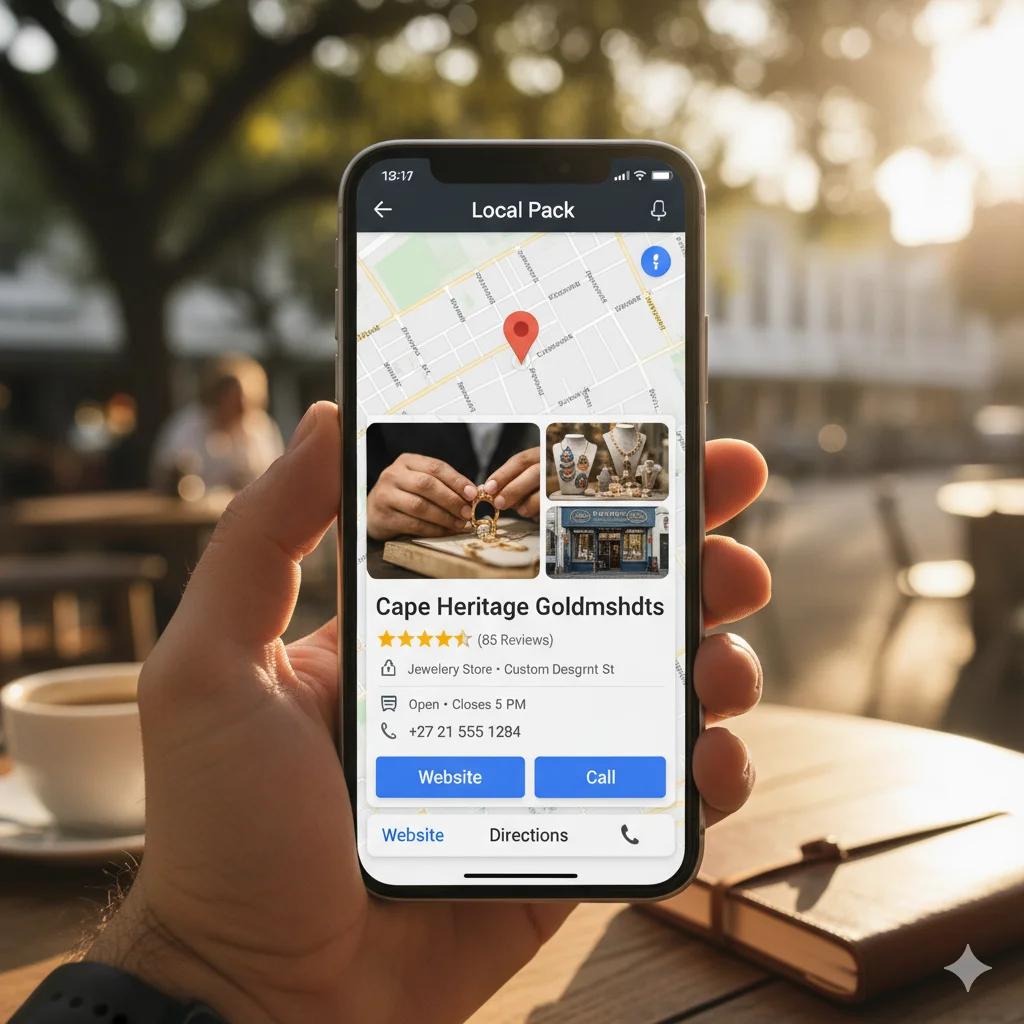
Your Google Business Profile is your online storefront in today’s digital world. For South African businesses, having a profile is not just an option—it’s a necessity. Here’s why:
- Increased Visibility: Most potential customers use Google Search and Google Maps to find local products and services. A well-optimised profile ensures your business appears in these searches, making it easy for people to see you.
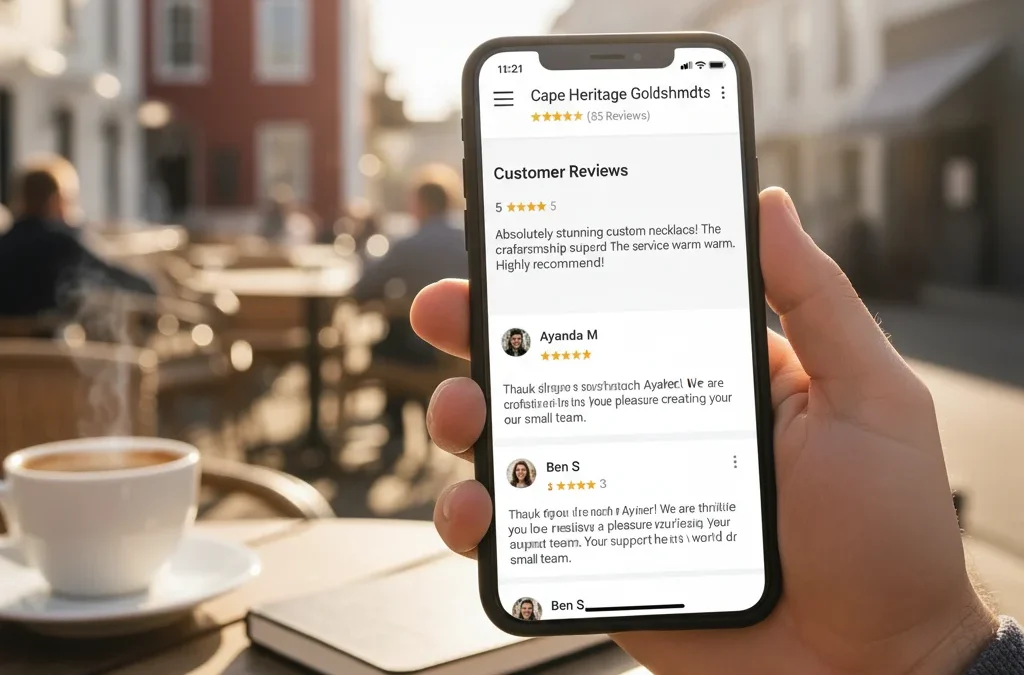
- Builds Trust and Credibility: A complete and up-to-date profile with customer reviews and photos acts as a credibility badge. It shows potential customers that your business is legitimate and active.
- Cost-Effective Marketing: Creating and managing a Google Business Profile is a free and effective way to market your business, especially for small and medium-sized enterprises (SMEs) with limited budgets.
- Direct Customer Engagement: The platform allows you to engage with customers directly by responding to reviews, answering questions, and sharing updates, which helps build a loyal customer base.
Step-by-Step Guide to Setting up Your Profile
- Sign in or Create a Google Account: Go to business.google.com/add. Sign in with the Google account you want to use for your business. If you don’t have one, create a new one.
- Add Your Business: Enter your business name. If it’s already on Google, select it. If not, click “Add your business to Google.”
- Choose Your Business Type and Category: Select the type of business you have (e.g., local store, service business, or online store) and the category that best describes what you do.
- Add Your Location and Service Area: If your business has a physical address where customers visit, enter it accurately. If you’re a service-based business (e.g., a plumber or consultant), you can specify your service areas instead of a physical address.
- Provide Contact Information: Enter your business phone number and website URL. If you don’t have a website, Google can help you create a basic one for free.
- Verify Your Business: To ensure you’re the rightful owner, Google will ask you to verify your business. This is a critical step. Verification methods in South Africa may include a phone call, text message, or a physical postcard with a code sent to your business address.
- Complete Your Profile: After verification, fill out your profile completely. This includes:
- Hours of Operation: Clearly state your trading hours.
- Photos: Upload high-quality photos of your storefront, products, services, and team.
- Business Description: Write a compelling description that highlights what makes your business unique.
- Products & Services: List the specific products or services you offer.
The Importance of Keeping it Updated
Your Google Business Profile is a dynamic tool. Keeping it fresh and accurate is vital for its effectiveness.
- Respond to Reviews: Always respond to customer reviews, both positive and negative. This shows you value customer feedback and are actively engaged.
- Regular Posts: Use the “Posts” feature to share updates, special offers, upcoming events, or new products. This keeps your audience informed and encourages them to engage.
- Update Business Information: If your hours change, you get a new phone number, or you move to a new location, update your profile immediately. Inaccurate information can frustrate customers and harm your reputation.
- Add New Photos: Regularly upload new photos to showcase new stock, a seasonal look, or a new project. Visual content is highly engaging and can help attract new customers.
Need assistance with the set-up? Contact us.